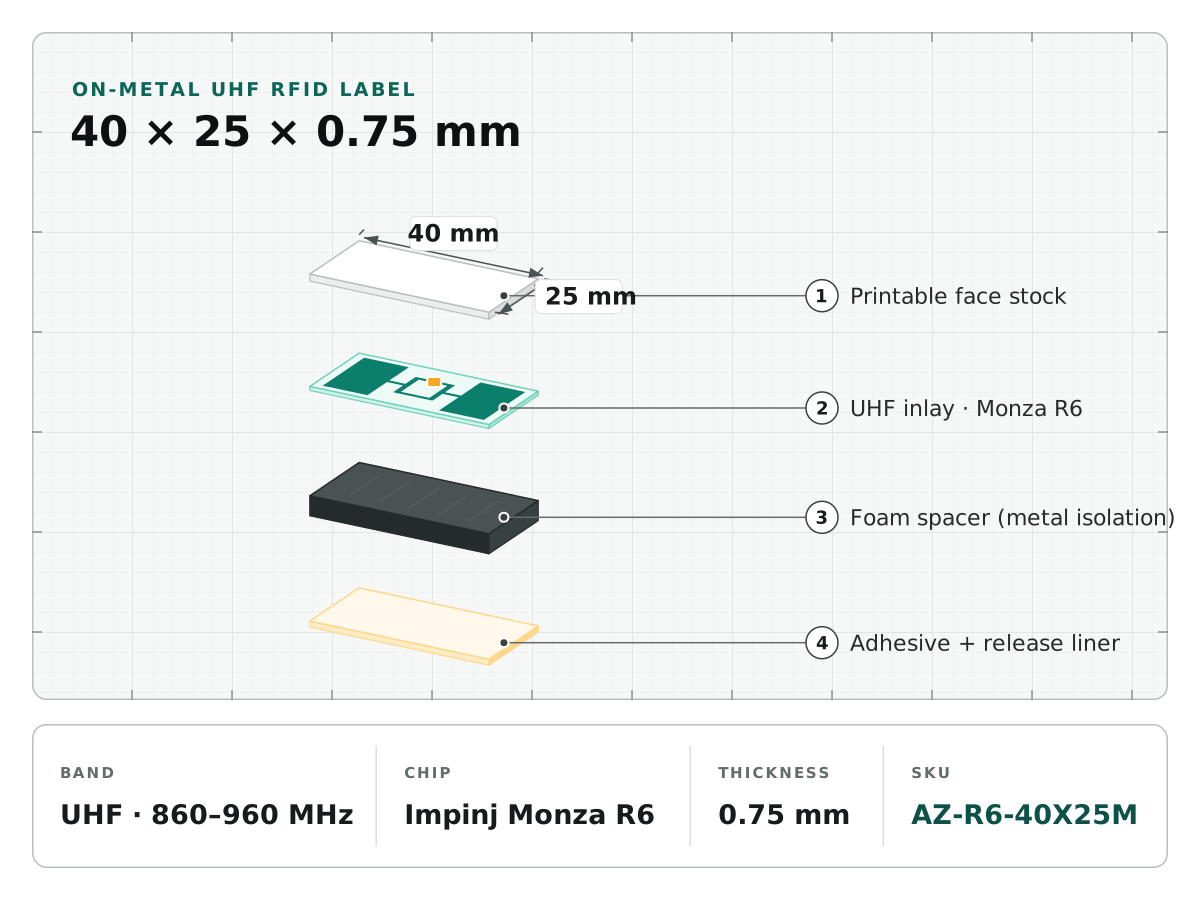
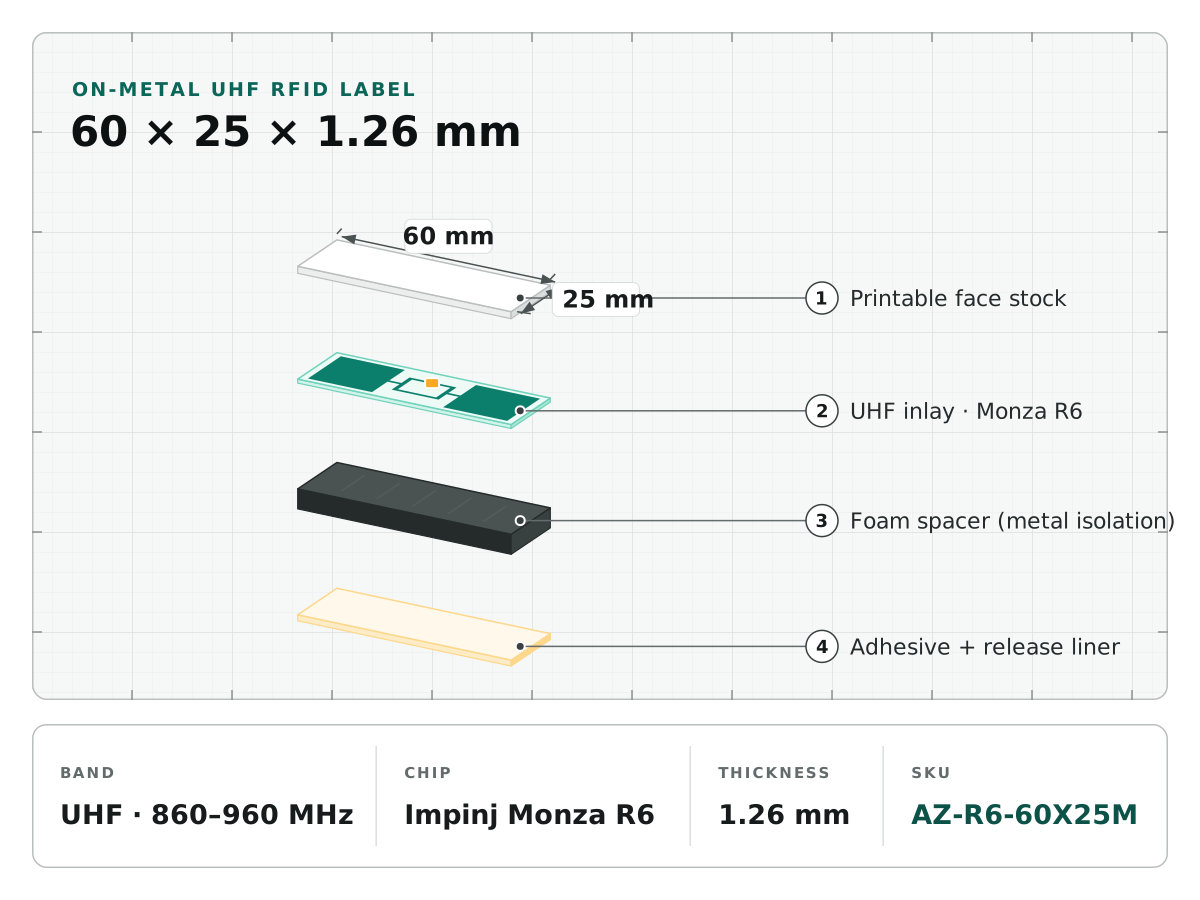
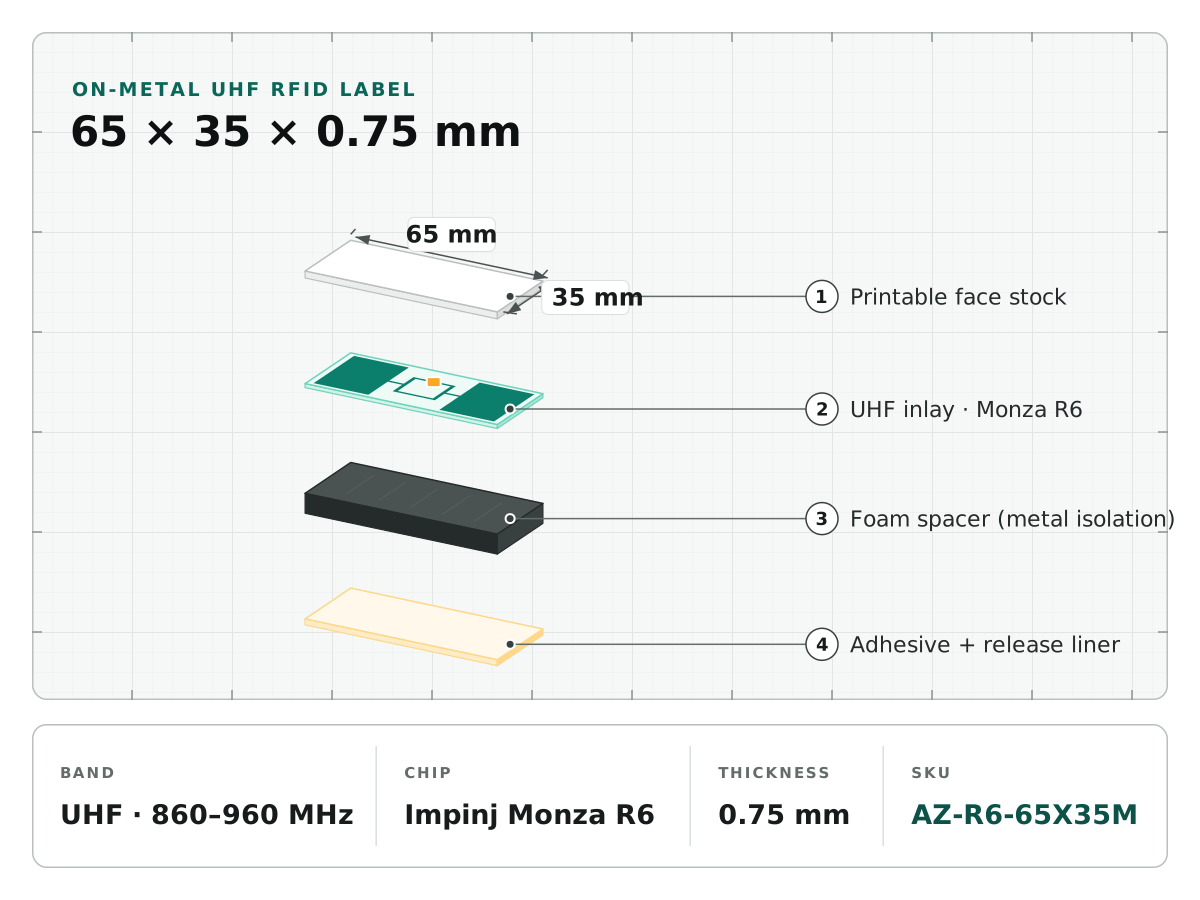
A compatible chip does not establish printer compatibility. The printer must feed the roll, locate the label and communicate with the intended inlay while avoiding adjacent labels. Qualify a roll with the final geometry on the exact printer model and configuration.
Request a converter’s drawing
| Item | What to mark |
|---|---|
| Label and liner | Finished dimensions and liner width |
| Pitch | Repeating distance along the feed direction |
| Inlay position | Antenna location relative to label edges |
| Sensor reference | Gap, notch or black mark |
| Roll | Core, diameter and winding direction |
| Construction | Face stock, adhesive and total thickness |
For standard UHF labels, use the printer maker’s media guidelines. For on-metal labels, confirm that the printer supports the thicker structure and the relevant encoding arrangement. Do not use the same acceptance assumptions for both.
Calibrate two operations
Follow the manufacturer’s media calibration so the printer detects label boundaries. Then follow its RFID calibration procedure for the loaded roll. Zebra’s guidance distinguishes these steps and provides model-specific placement documents. Other printer brands need their own current manuals.
Record firmware, driver and application settings. Software may override stored printer settings. Test using the same print job path that will run in production, not only a command sent directly from a maintenance tool.
Check target and neighbor tags
Print and encode a controlled serial sequence. Read each accepted tag back and compare the printed text or barcode with the RFID identity. Inspect void marks, skipped labels and accidental writes to adjacent inlays. Reconcile accepted quantities and rejects; do not silently reuse a serial after an interrupted job.
Test roll start, middle and end conditions, the chosen speed and any ribbon/heat settings. Use enough media to expose feeding variation, not merely a handful of labels.
Freeze the qualified specification
Document the roll drawing, exact chip-and-antenna combination, encoding job, printer settings and pass criteria. Require a notification and requalification if inlay placement, pitch, thickness or chip changes. “Equivalent” media can create a different RF calibration window.
Send your printer model, firmware and roll drawing to the Antenza RFQ form. A sample-roll trial should precede the bulk order; printing quality and encoded-data accuracy should be approved separately.